

Stockroom Management
90% more customer satisfaction, out of the room behind the shop floor: every shelf addressed, every delivery put away as it lands, and the floor replenished before it empties.
- Receiving
- Picking & packing
- Transfers
- Counts
- Reporting
Locations
Every shelf has an address
Map the room once — zones, racks, shelves, bins — and Planograma knows where each product belongs. Staff find stock by reading the location off a screen instead of asking the colleague who has worked here longest, which is what makes a stockroom survive a change of shift.
- Zones
- Racks
- Shelves
- Bins
Receiving
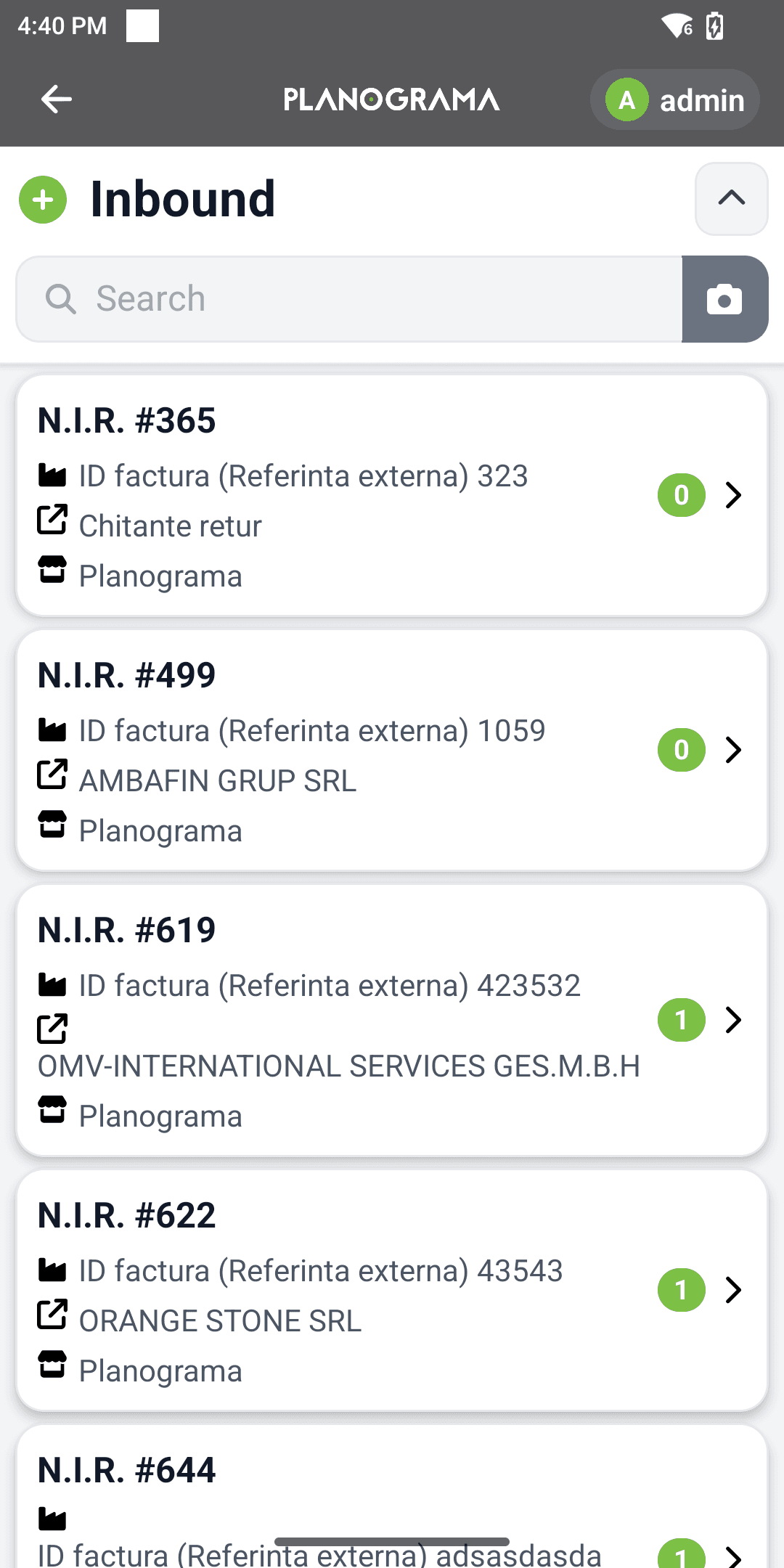
Putaway while the delivery is still on the trolley
Scan an item as it arrives and Planograma names the location it should go to, out of the space you actually have free. Nothing is left in the aisle to be dealt with later, and nothing disappears behind a pallet for a month.

Shop floor
Replenish the floor before it empties
Set a minimum and a top-up quantity per product and per location. When the shop floor drops below its minimum the stockroom gets a pick list, so the gap is closed from the back room rather than discovered by a customer.
Stockroom inventory, counted while you trade
Count a zone, a rack or a single product without closing the room or freezing the site. Counts are recorded against locations, so a discrepancy points you at a shelf instead of at the building, and the stockroom inventory stays right between full counts.
No extra hardware
A phone or a mobile terminal, and nothing else
The Android app runs on the phone your staff already carry and on the rugged mobile terminals a warehouse hands out — the same screens either way, so you buy the hardware the room actually needs rather than the hardware the software insists on. Receiving, putaway, replenishment, counts and transfers all run from it.
- Receiving
- Putaway
- Replenishment
- Counts
- Transfers
In the aisle
Every document raised where the work happens.
Three screens cover most of a shift: the menu everything starts from, the one that creates documents, and the one that answers what and where. Nothing is written on paper first and keyed in afterwards.
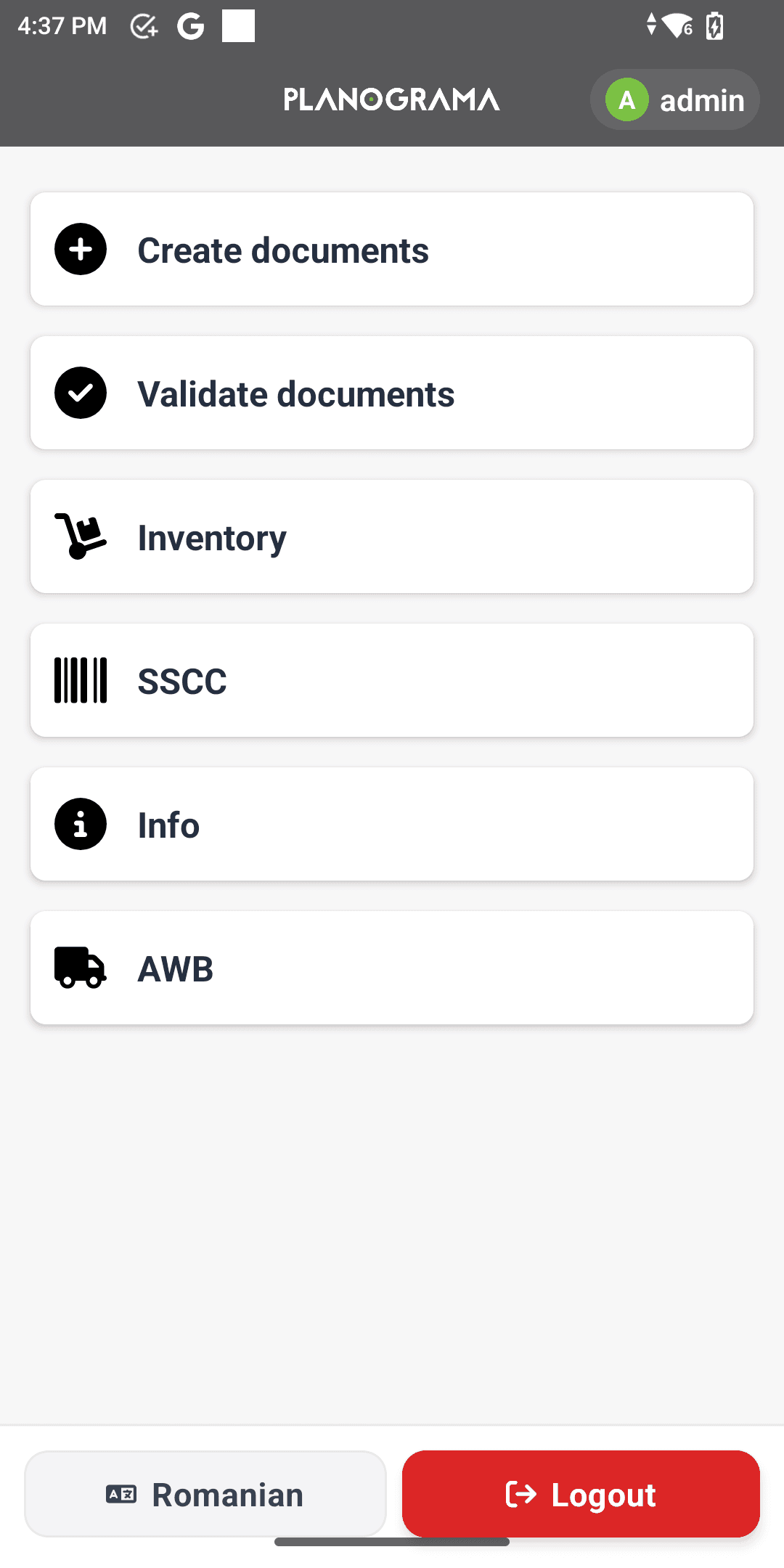
Documents, inventory, SSCC labels and dispatch notes, all off one menu.
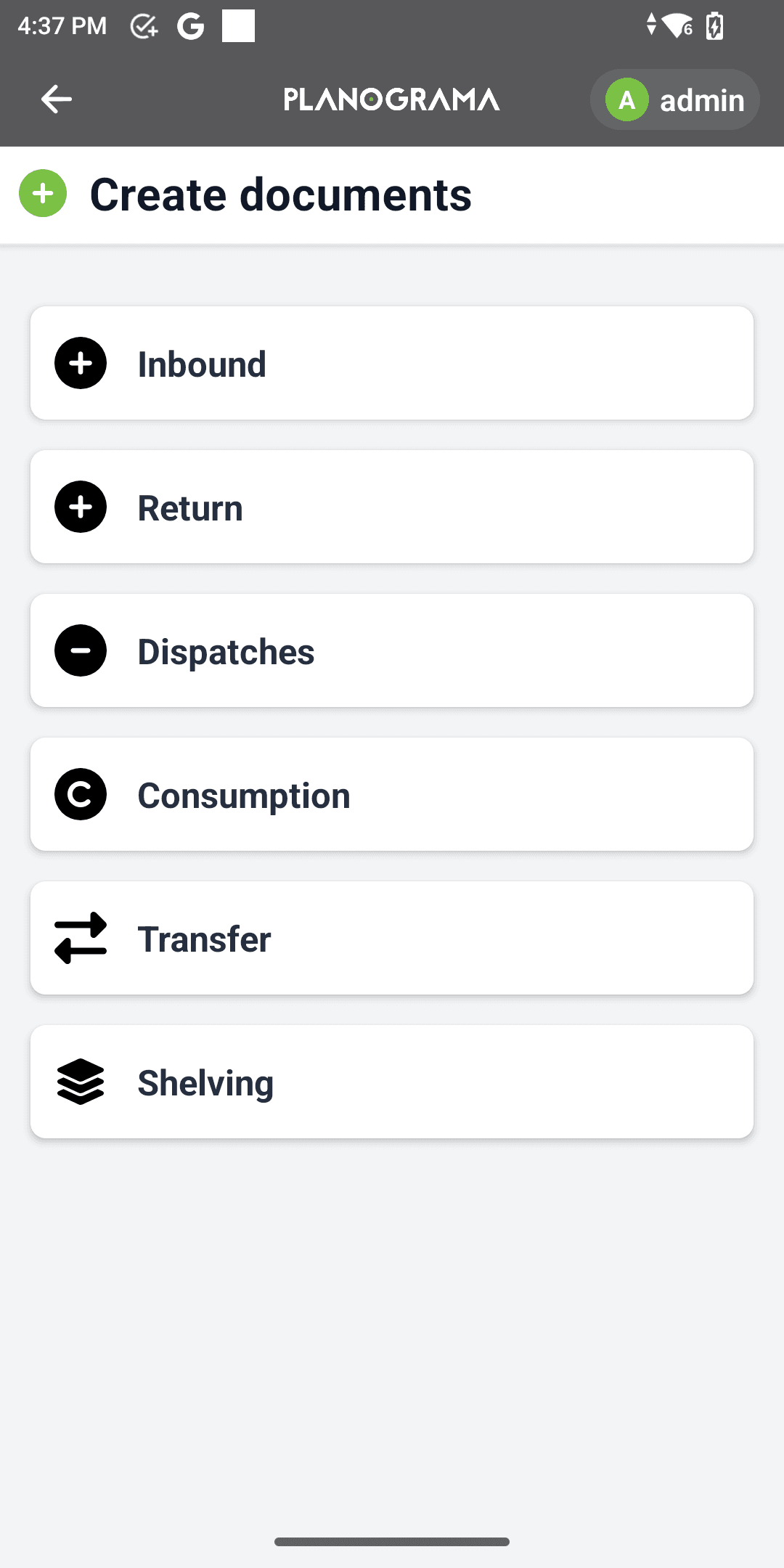
Receipts, returns, dispatches, consumption, transfers and shelving — all raised on the spot.
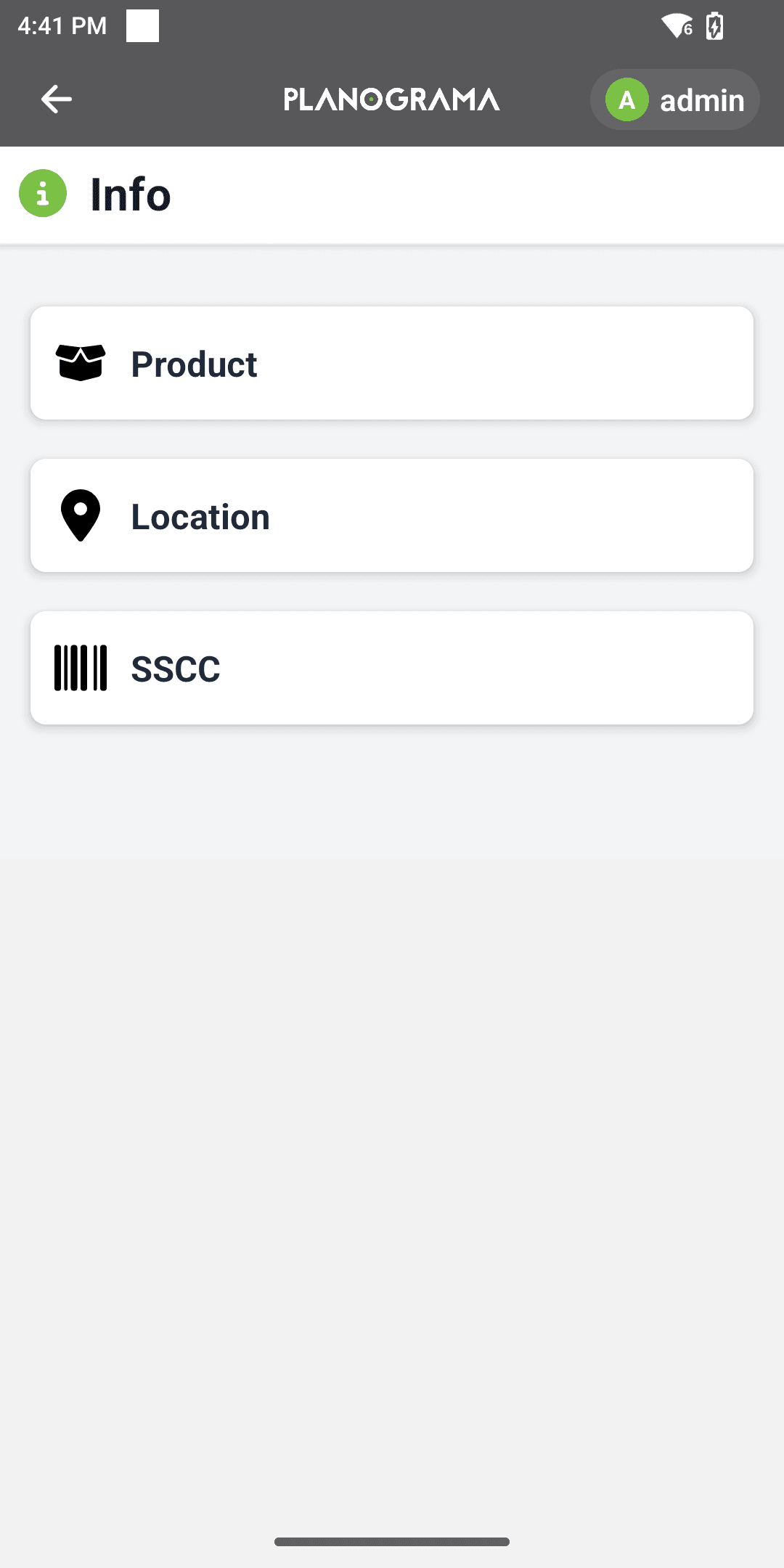
Scan a code and get the product, the location, or the pallet it belongs to.
Also in this module
Feed the line without paperwork
Where the stockroom serves production rather than a shop floor, materials are issued against the order that needs them. Consumption comes off stock as it happens, so the room and the system still agree at the end of the shift.
One room per site, one view across them
Every location holds its own stock and the whole estate is visible in one place. When one site is short and another is long, the transfer is raised, tracked and received without a phone call and a spreadsheet.
Based on your business type you can add or integrate with any other Planograma features:
See plans & pricing